
Cubox for E-Ink — Now in Beta | Pure Reading, Unlimited Highlights
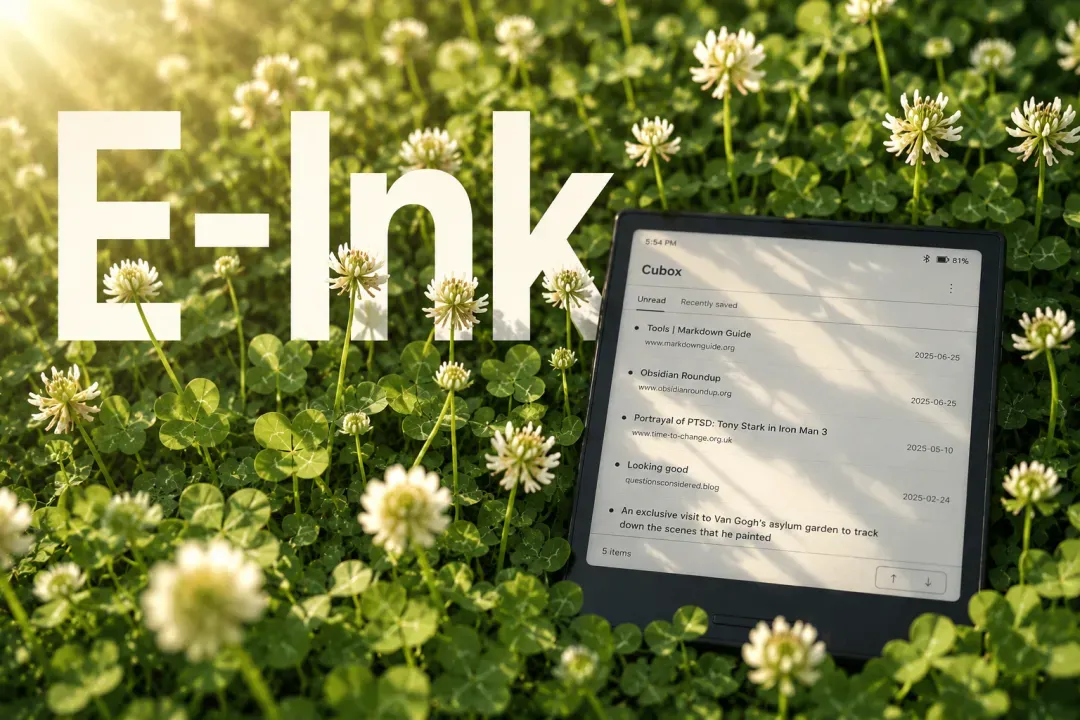
Good morning.
What's the first thing you reach for when you wake up?
Smartphones have quietly rewired how we live. Deep, focused reading has been all but squeezed out by short-form video and infinite scroll.
We need a screen that slows us down. We want to push back and build something for a small but meaningful kind of attention.
We've been heads-down on something new, and today it's ready. Say hello to the newest member of the Cubox family: a dedicated Android app, built from the ground up for E-Ink devices. 🎉
Building a Space for Reading
E-ink readers are one of the last places where distraction simply can't follow you in. The black-and-white display, the slight lag, what feels like a hardware limitation is actually a feature. It keeps the noise out.
We didn't build a Cubox E-Ink app to be retro. We built it to give our core users, the ones who genuinely love to read, a dedicated space where nothing competes for their attention.
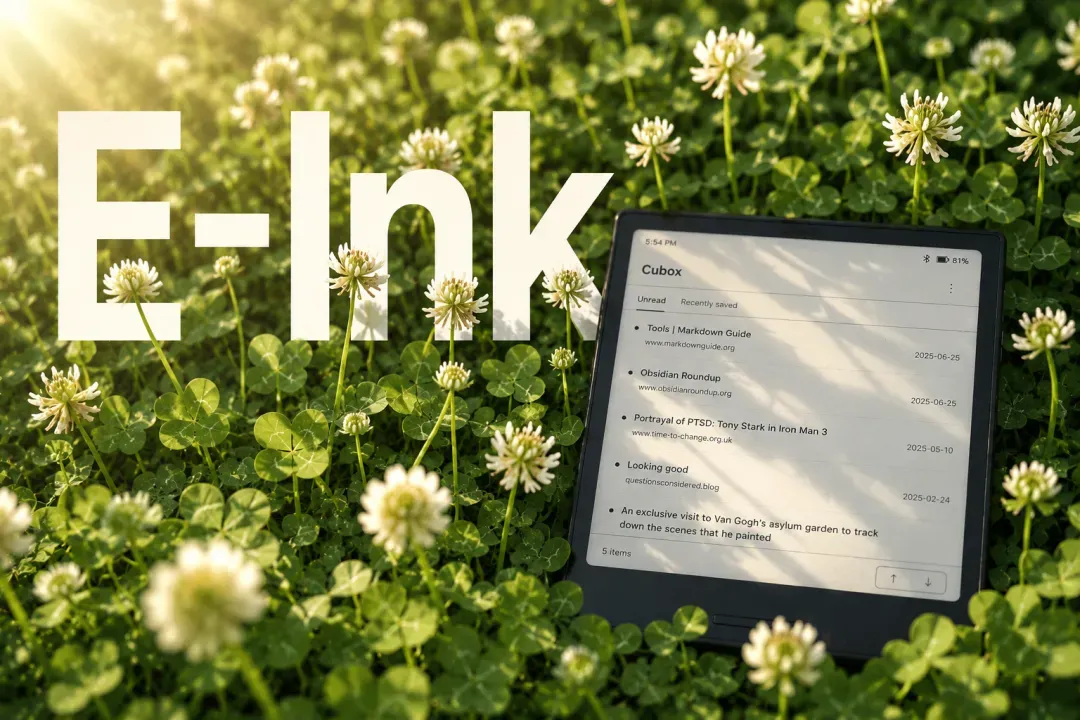
Read words. Read long-form. Enjoy the process.
A Reading Experience Built for E-Ink
Technically, we could've just ported the existing Android app to E-Ink and called it a day.
But we didn't want to do that. Since products shape habits, we wanted this version to be purposed on reading, nothing more, nothing less.
That thinking was grounded in a few realities:
- Cubox already exists on every major platform
- Your E-Ink device is never your only device
- E-Ink screens aren't made for fast, complex interactions
- Long-form articles and ebooks call for a different kind of reading mode
So we designed specifically for E-Ink, and kept the focus on what actually matters:
📱 Sign in with your registered email
👀 Read your parsed articles and snippets
🛜 Read article text offline
📥 Browse your unread queue and recent saves
✍️ Highlight and annotate freely
🗂 Archive or delete content you've finished reading
To keep the reading flow uninterrupted: all reading and annotation features are completely free on Cubox E-Ink. No limits on how many highlights you create per article.
We also put serious thought into the details:
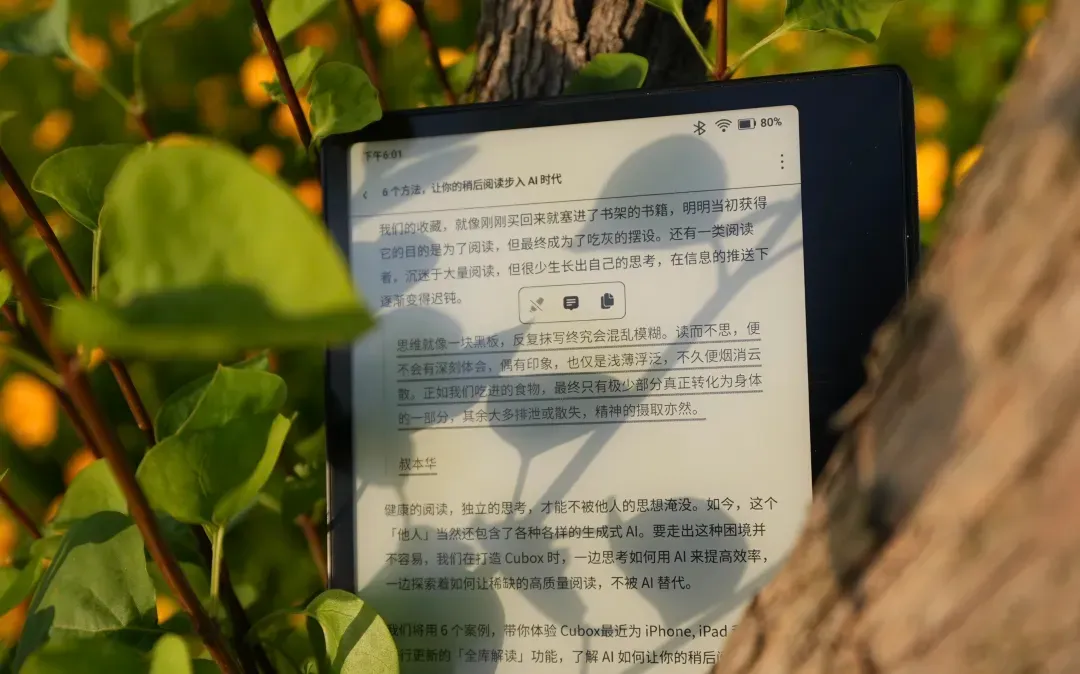
Text and visuals use high-contrast rendering throughout.
You can read in full-screen immersive mode, or keep the toolbar always visible on larger devices.
Articles flow continuously page through them with the physical buttons or a Bluetooth page-turner, no need to jump back to the list.
Instead of endless scrolling, articles are paginated in real time, cutting down unnecessary screen refreshes and ghosting.
Highlights aren't thick marker strokes over the background. They're underlines, visible enough to mark your place, subtle enough not to muddy the text.
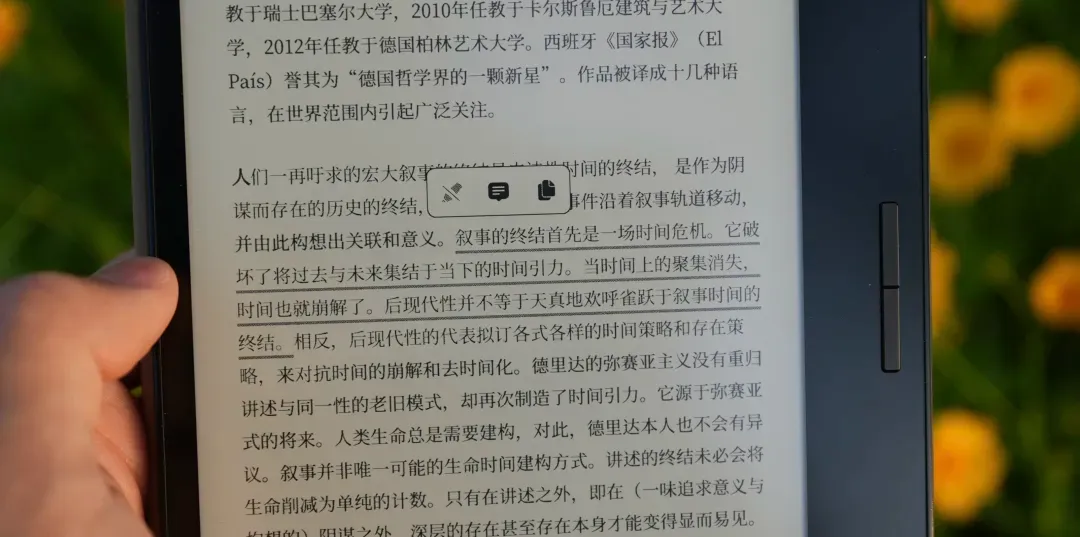
Every article remembers where you left off, so you can pick right back up next time.
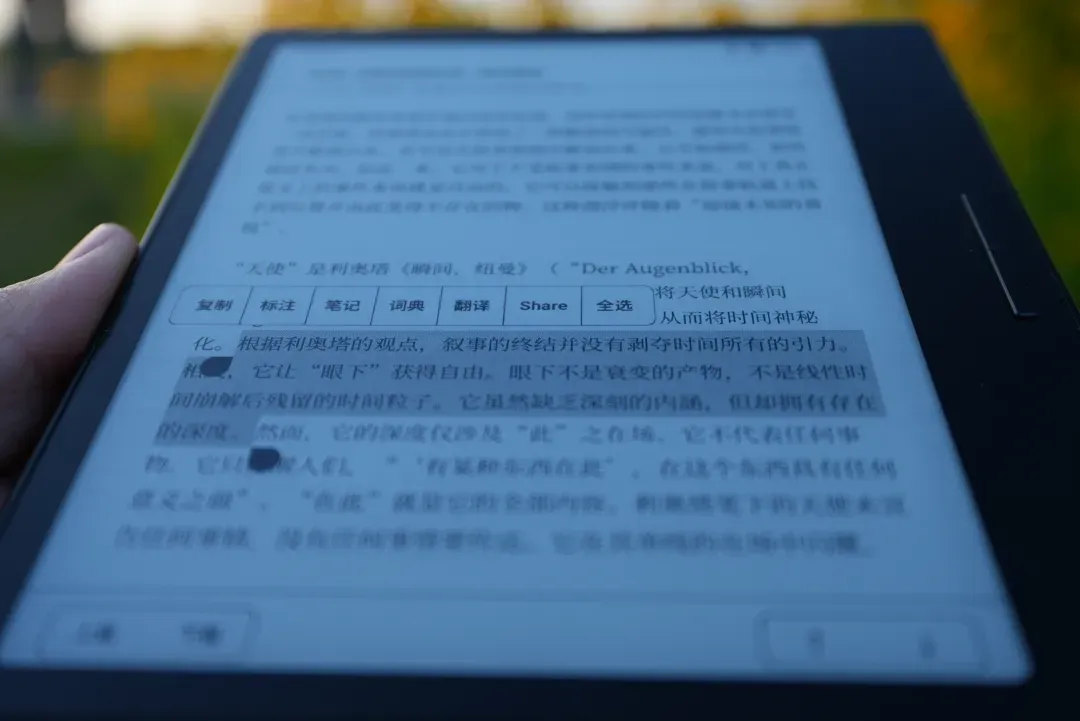
The whole experience is designed to get out of your way. Less friction while you read. Less mental wandering while you try to focus.
But First — Pick Up Your Reader 👀
One last question: when did you last actually use your e-reader? Is it sitting on your desk gathering dust?
If you remember what it felt like to really sink into something, give it another shot.
Every time you pick up your reader instead of your phone, that's a small win for your focus, your body, and your eyes.
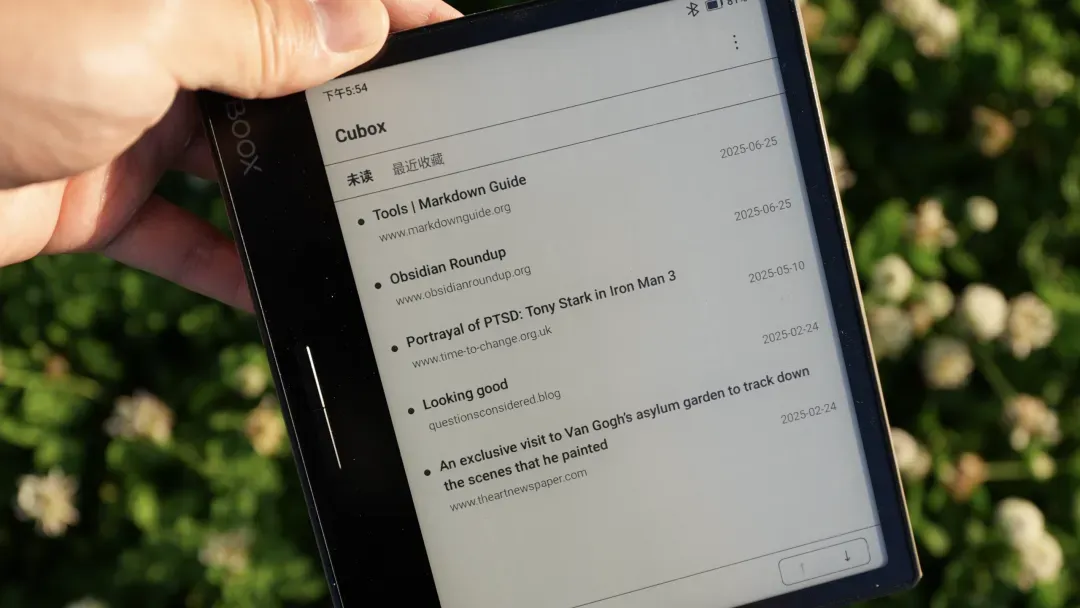
Get Started
The Cubox E-Ink beta is now available at cubox.cc/download. It supports mainstream Android-based E-Ink devices. You can visit the link from your device to download and install it.
If the download doesn't trigger, try enabling file downloads in your browser settings, switch to a different browser, or download from a computer and transfer the file to your device.
If your account isn't yet linked to email with a password set, you can do that quickly from the web app's settings, you'll need it to log into the E-Ink version.
Future updates will push directly through the app. Follow our channel to stay in the loop.
See you on E-Ink!